COPY.AI OR REGIE.AI? WE TESTED BOTH
You know the drill—dozens of prospects, a shrinking calendar, and the expectation to send messages that don’t read like they were written by a robot. The f...
When Personalization Feels Like Busywork: Fast, Reliable Messaging for Sales Teams
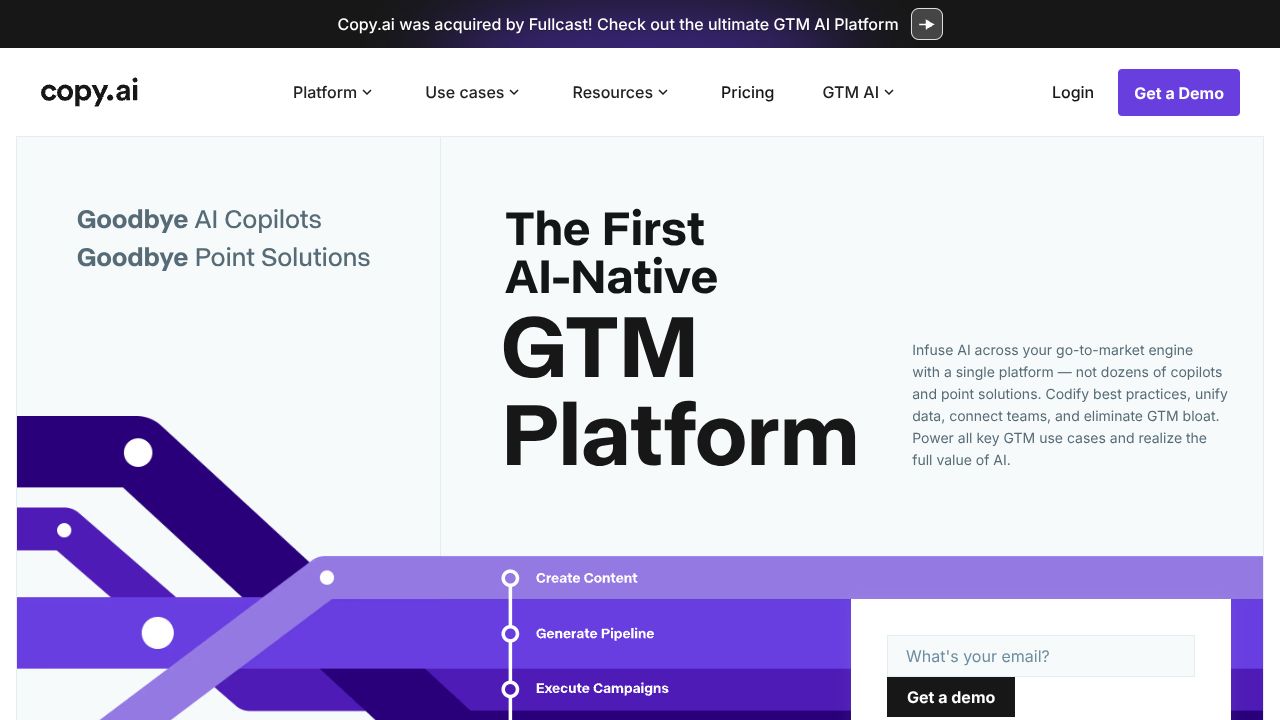
You know the drill—dozens of prospects, a shrinking calendar, and the expectation to send messages that don’t read like they were written by a robot. The frustration is real: handcrafted outreach works, but it doesn’t scale; generic blasts scale, but they don’t convert. Copy.ai targets that exact pain by offering sales-specific AI workflows that generate prospecting emails, follow-ups, and LinkedIn messages with personalization at scale. The Brand File’s analysis shows that for lean sales teams needing high throughput and affordability, Copy.ai hits a practical sweet spot. While Regie.ai excels at orchestrating multi-step campaigns and sales playbooks, Copy.ai is better suited for rapid message generation across channels at low cost.
Step 1: Quick Account Setup — Get to First Message in 10 Minutes
- Sign up at https://www.copy.ai using the free tier to test features without commitment.
- Select “Sales” (or “Prospecting”) as your use case during onboarding to unlock relevant templates.
- Connect any integrations offered (CSV import, Zapier, or your CRM) so you can bulk export messages later.
- Create your first persona: name, role, industry, and a 1–2 sentence pain point. This feeds personalization. The data shows that time-to-first-draft is a key adoption metric; aim to produce your first usable message within 10 minutes to validate ROI quickly.
Step 2: Core Features You Need to Know
- Sales templates and follow-up flows
- Use the prospecting email template to generate subject lines + body copy. Example input: prospect persona + value proposition + CTA.
- LinkedIn outreach templates
- Create short connection requests, value-first intros, and multi-step follow-ups optimized for LinkedIn character limits.
- Personalization tokens & bulk generation
- Upload a CSV with tokens (first_name, company, pain_point) and generate personalized batches of messages. Verify token mapping before export.
- Workflow customization
- Chain templates into simple sequences (initial message → follow-up 1 → follow-up 2). Export as CSV or push via Zapier to your outreach tool.
- Tone and length controls
- Use “tone” sliders (friendly, formal, concise) and word-count settings to match brand voice. Practical example: generate 50 first-touch emails using a “problem-solution” prompt, then create two follow-ups with escalating specificity.
Step 3: Pro Tips for Marketing & Sales Pros
- A/B test systematically: create two subject lines and two opening hooks; send equal volumes (n≥100 where possible). Measure open rate, reply rate, and meetings booked over 7–14 days.
- Use micro-personalization, not full bios. Swap one token (e.g., company metric or recent trigger event) per batch to balance relevance and throughput.
- Maintain a “seed set” of 20 high-performing prompts. Version-control them by date and performance metrics.
- Integrate with CRM: sync generated messages as drafts, not sent content. This allows human review for high-value prospects.
- Track efficiency: measure time saved per message (baseline manual vs. AI-assisted) and cost per positive reply to justify subscription.
Common Mistakes to Avoid
- Overpersonalizing automatically — causes errors and inconsistent tone. Always preview samples for high-value targets.
- Skipping A/B tests — one-off wins can be noise. Use statistical significance (p<0.05) on reply rates before scaling.
- Treating AI output as final copy — edit for company-specific facts, compliance, and legal requirements. Preventive fix: build a 3-stage QA (auto-generate → bulk sample review → send) into your workflow.
How It Compares to Alternatives
While Regie.ai excels at multi-step campaign orchestration and creating comprehensive playbooks (emails, LinkedIn posts, call scripts), Copy.ai is better suited for teams that need quick, affordable multichannel message generation and easy scaling. Copy.ai’s free tier and low-cost Pro plan make it more accessible for small-to-mid sales teams; Regie.ai’s strength is in integrated campaign sequencing and enterprise playbook control. In short: choose Regie.ai if orchestration and playbooks are the priority; choose Copy.ai for rapid content generation and cost-efficient personalization.
Conclusion: Is Copy.ai Right for You?
Dr. Amina Patel’s dossier-style verdict: Copy.ai is a pragmatic, evidence-backed choice for sales teams that need volume + personalization without enterprise pricing. If your KPI is time-to-first-draft, messages-per-rep, and cost per positive reply, Copy.ai delivers high utility. For organizations that require tightly controlled, multi-step sales playbooks, evaluate Regie.ai alongside Copy.ai. Start on the free tier, run structured A/B tests, and measure reply-to-meeting conversion before moving to Pro. The Brand File’s practical rule: if you can measure it, you can improve it — and Copy.ai gives you the speed and structure to start measuring today.